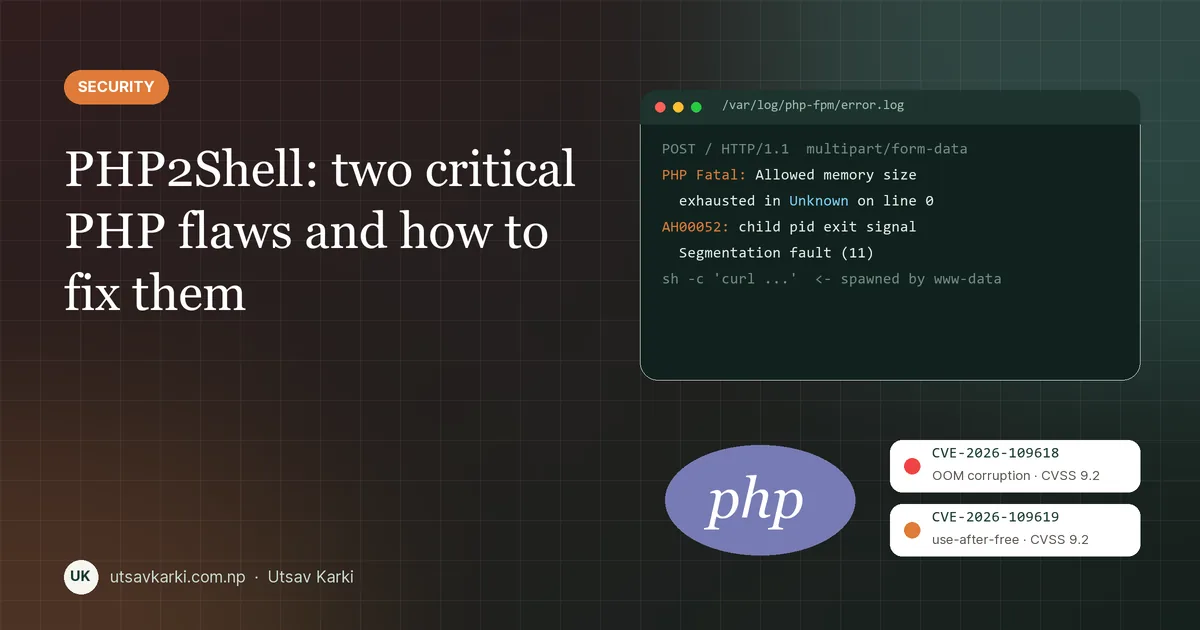
On 21 October 2026 the PHP project shipped an emergency security release for two flaws now known as PHP2Shell: CVE-2026-109618 and CVE-2026-109619. Both are rated 9.2 (CVSS v4.0), and both can let an attacker run code on a web server without logging in. Five days later, CISA added both to its Known Exploited Vulnerabilities catalog.
Most of my client work runs on PHP (Laravel, WordPress, OpenCart), so this one hits close to home. This post explains the two issues in plain language, why they matter far beyond PHP developers, and a practical checklist to fix them.
Why this one is a big deal
PHP still runs about 70% of all websites whose server-side language is known, according to W3Techs (70.2% in its August 2026 snapshot). That includes almost every WordPress site, most shared hosting and a huge number of Laravel apps. A bug in PHP itself, rather than in one plugin or framework, puts all of them in scope at once.
Three things make PHP2Shell worse than a typical CVE:
- No login needed. The attack is an ordinary HTTP request.
- It fires before your code runs. The first bug triggers while PHP is still parsing the request, so authentication, validation and security checks inside your app never get a chance to block it.
- Attackers moved first. AWS reported exploitation attempts as early as 17 October, four days before the public release. Cloudflare's CEO reported thousands of attempts before the announcement, hundreds of thousands within two hours and millions by the next day.
Issue 1: CVE-2026-109618, memory corruption when PHP runs out of memory
When PHP fails to allocate memory, it stops processing the request partway through. The problem is what it leaves behind: a half-built entry in an internal hash table. PHP's cleanup code then walks over that incomplete entry as if it were valid, which corrupts memory.
An attacker can trigger this on purpose with a crafted multipart/form-data or urlencoded POST, for example a form field name so large that allocating it exceeds memory_limit. With some heap grooming, that corruption becomes remote code execution as the web server user (usually www-data).
- Who is affected: every PHP runtime that serves HTTP: Apache
mod_php, PHP-FPM, php-cgi, FrankenPHP and LiteSpeed. - Highest risk: Apache with
mod_php, where the demonstrated exploit works. PHP-FPM kills a worker when startup fails, which blocks the known chain, but researchers believe FPM may still be reachable through other paths.
Issue 2: CVE-2026-109619, stale state reused across requests
PHP workers handle many requests one after another. Some internal state is supposed to be reset at the end of each request. If a fatal error or timeout interrupts that reset, a pointer can be left pointing at memory that has already been freed. The next request on the same worker then reads that stale memory. This is a classic use-after-free.
PHP confirmed command execution through two paths:
- Session upload progress (mod_php and PHP-FPM).
session.upload_progress.enabledis on by default and runs even if your app never callssession_start(). - Fatal error backtraces (PHP 8.5 only, mod_php). The new
fatal_error_backtracessetting, also on by default, can read the stale data in a later request.
The attacker needs their requests to land on the same worker, so a large worker pool lowers the odds per attempt. It does not remove the bug.
How it affects real businesses
- Small business and WordPress sites depend on their host. WordPress itself needs no update, because the bug is in PHP, and on shared hosting only the host can patch it. Hosts rolled out fixes at different speeds, and some took sites offline while they patched.
- Agencies and freelancers suddenly had many client servers to check in the same week, often on old PHP versions nobody had touched in years.
- Anyone on PHP 8.1 or older is in the hardest spot. Those branches no longer get regular upstream releases. Source backports exist for 7.4, 8.0 and 8.1, but in practice most people need a vendor patch or an upgrade.
- Compromised servers can be used to steal databases, plant card skimmers on checkout pages, send spam or move deeper into internal networks. That is why CISA told US federal agencies to fix it by 29 October.
How to fix it: a practical checklist
1. Upgrade to a fixed release (the only complete fix)
| Branch | Fixed in |
|---|---|
| PHP 8.5 | 8.5.12 |
| PHP 8.4 | 8.4.27 |
| PHP 8.3 | 8.3.36 |
| PHP 8.2 | 8.2.35 |
| 8.1 and older | Vendor or distro patch, or upgrade to 8.2+ |
Check what you're running, and remember that Linux distributions and hosts often backport the fix without changing the version number, so also check your vendor's advisory:
php -v                         # CLI version
php-fpm8.3 -v                  # the FPM binary can differ from the CLI!
dpkg -l | grep php8            # Debian/Ubuntu package versions
On Ubuntu or Debian:
sudo apt update
sudo apt install --only-upgrade 'php8.*'
sudo systemctl restart php8.3-fpm     # restart EVERY FPM version you run
sudo systemctl restart apache2        # if you use mod_php
In Docker, pull the patched base image and rebuild and redeploy. A running container doesn't patch itself:
# Dockerfile
FROM php:8.4.27-fpm

# then
docker build --pull -t my-app .
Using Laravel Forge? Forge's automatic security updates don't patch PHP, so update PHP on each server yourself. On shared or managed WordPress hosting, check Tools, Site Health, Info, Server and ask your host whether the 21 October release has been applied.
2. If you can't patch today: temporary mitigations
These reduce exposure but do not fully fix either bug. They must be set at the server or pool level (php.ini, FPM pool or Apache config). ini_set() and .user.ini are applied too late to help.
; php.ini, or in an FPM pool as php_admin_value[...]
session.upload_progress.enabled = 0   ; blocks the known path for CVE-2026-109619
fatal_error_backtraces = 0            ; PHP 8.5 only
memory_limit = -1                     ; blocks the known path for CVE-2026-109618
memory_limit = -1 removes PHP's own memory cap, so pair it with limits elsewhere:
# Nginx: cap request bodies before they reach PHP
client_max_body_size 8m;

# Docker: cap memory for the container
docker run --memory=512m my-app- Don't use
RLIMIT_ASorRLIMIT_DATAas the cap. They can trigger the vulnerable allocation-failure path. - Restart every worker after changing settings.
- Turning off error display (
display_errors,@) does not help. The stale state is still read. - A WAF (for example Cloudflare managed rules set to block, not just log) adds a layer while you patch.
- If a server is unsupported and can't be patched, CISA's advice is blunt: take it offline until it is.
3. Check whether you were already hit
Because attacks started before disclosure, patching is not the end of the job. Look for:
- Error log lines like
Allowed memory size of ... bytes exhaustedwithUnknown on line 0, meaning a failure before any script ran. - Apache
AH00052segfault messages, which can mean a failed exploit attempt. - Large or deeply nested multipart POSTs, and odd
PHP_SESSION_UPLOAD_PROGRESSfields. - Uploaded filenames containing
<?phpor|O:, or very long or binaryPHPSESSIDcookies. - The most important signal: a shell or download tool started by the web server user.
# quick checks on a Linux server
grep -R "Unknown on line 0" /var/log/php*-fpm.log /var/log/apache2/error.log
ps -ef --forest | grep -E "www-data.*(sh|bash|curl|wget)"
find /var/www -name "*.php" -newermt "2026-10-15" -ls   # recently changed PHP files
A clean log is not proof that you're safe. If anything looks wrong, treat the server as compromised: rotate database and API credentials, rebuild from a known-good image and restore data from a backup taken before 17 October.
Lessons worth keeping
- Know your inventory. List every server and container running PHP, including the version of the FPM binary, not just the CLI.
- Don't run end-of-life PHP. Old branches turned a one-hour patch into a migration project for many teams.
- Make PHP updates part of deploys. Rebuild container images regularly and restart workers after updates.
- Defence in depth still matters. Request size limits, WAF rules, least-privilege users and monitoring for spawned shells all limited the damage while patches rolled out.
If you run PHP sites and aren't sure whether you're patched, I'm happy to check your servers. Get in touch. For server hardening in general, see my production VPS setup guide and WordPress hardening checklist.
Sources
- CISA: Critical Vulnerabilities in PHP Require Immediate Patching
- Datadog Security Labs: PHP2Shell detection, analysis and remediation
- Rapid7: CVE-2026-109618 and CVE-2026-109619
- Codeable: what WordPress site owners need to do
- Laravel Forge: PHP security advisory
- W3Techs: usage statistics of PHP

Utsav Karki
MSc Computer Science student at Memorial University and Digital Systems & Web Intern at Verisult, based in St. John's, NL. I build with WordPress, Laravel, Next.js and Linux servers. Work with me →