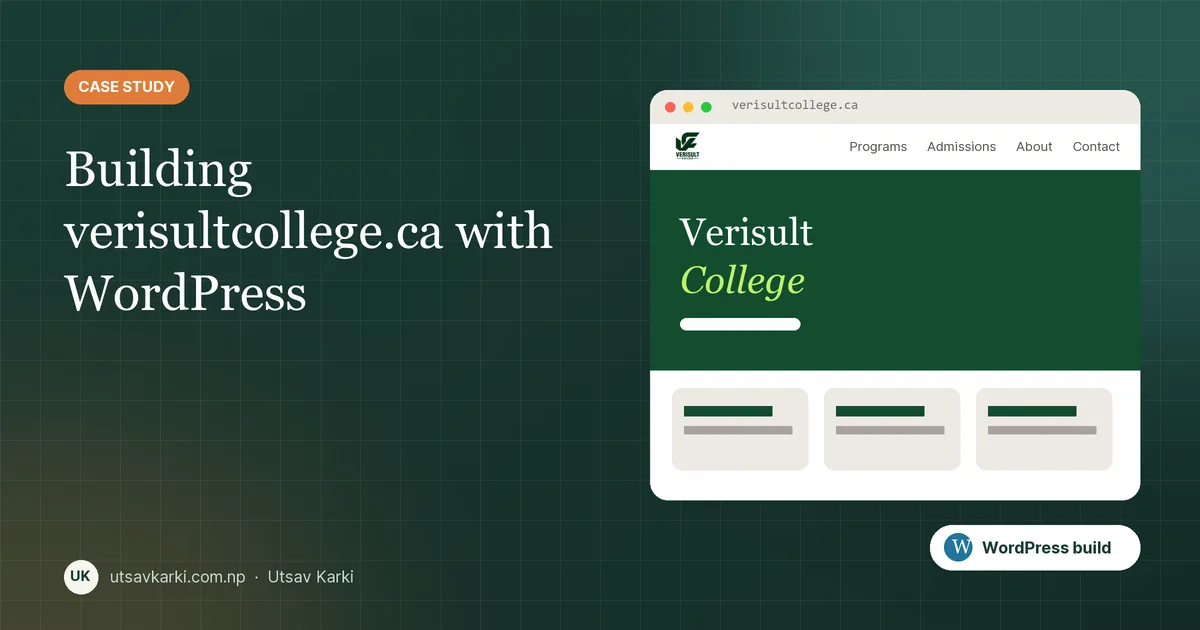
In my role at Verisult (Digital Systems & Web Intern, through MUN's Graduate Internship Program), one of my main projects is verisultcollege.ca, the online-education website for Verisult College. I'm building it with Tailwind CSS and GSAP animations, structured so it converts cleanly into a custom WordPress theme. A college website has a different job from the business sites I usually build. It has to answer prospective students' questions quickly, build trust and make it easy to take the next step.
This post covers how I approached it and the checklist I use for this kind of build.
1. Start with the questions students ask
Before any design, I list what visitors come to find out. For a college, the questions are predictable:
- What programs do you offer, and how long are they?
- What are the admission requirements and intake dates?
- How much does it cost, and what support is available?
- Where are you, and how do I contact someone?
Each question becomes a page or a clearly labelled section, and the main navigation follows the same order: Programs → Admissions → About → Contact. If a student can't find program information in two clicks, the structure is wrong.
2. Programs as structured content
Program pages tend to grow inconsistently when each one is written as a free-form page. I prefer giving each program the same structure (overview, duration, delivery mode, outcomes, requirements, call to action). In WordPress that means a custom post type or a consistent block pattern, so editors fill in fields instead of rebuilding layouts:
// functions.php: a simple Program post type
register_post_type('program', [
  'label'        => 'Programs',
  'public'       => true,
  'has_archive'  => true,
  'rewrite'      => ['slug' => 'programs'],
  'show_in_rest' => true,          // block editor + REST API
  'supports'     => ['title', 'editor', 'thumbnail', 'excerpt'],
]);
The archive page then becomes the program catalogue automatically, and every new program uses the same layout.
3. Fast on a phone
Most prospective students will visit on a phone, often on mobile data. The performance basics I apply on every WordPress build:
- Images served as WebP at the size they are displayed, with lazy loading below the fold.
- Only the plugins the site really needs. Every plugin is a performance and a security cost.
- Page caching plus a CDN, with correct cache headers for static assets.
- Fonts limited to the weights actually used, preloaded where they matter.
4. Accessibility is not optional
Educational institutions in Canada have real accessibility expectations, and good accessibility helps everyone. Checks I run before sign-off: proper heading order, visible focus states, form labels tied to their inputs, sufficient colour contrast and descriptive alt text on every meaningful image.
5. SEO foundations from day one
A college competes for searches like "college programs in Canada", which are hard to win without solid fundamentals:
- Unique titles and meta descriptions for every program page.
EducationalOrganizationstructured data with name, logo, address and contact details.- An XML sitemap submitted to Google Search Console and Bing Webmaster Tools.
- Clean, readable URLs:
/programs/program-name/.
One detail that's easy to miss: while a site is behind a coming soon or maintenance page, it sends noindex. Remember to switch that off at launch. I've seen sites lose weeks of indexing because of it.
6. The launch checklist
- Disable maintenance mode and confirm
robotsmeta androbots.txtallow indexing. - Force HTTPS and set the canonical domain (www vs non-www).
- Test every form end-to-end, including email deliverability (SPF, DKIM, DMARC).
- Set up automated off-site backups and uptime monitoring.
- Lock down wp-admin: strong passwords, 2FA, limited login attempts. See my WordPress hardening checklist.
Wrapping up
A college website is judged on whether a student can find their program and apply without friction. Clear structure, a fast mobile experience, accessibility and SEO fundamentals matter far more than any particular theme. If your institution or business needs a WordPress site built this way, let's talk.

Utsav Karki
MSc Computer Science student at Memorial University and Digital Systems & Web Intern at Verisult, based in St. John's, NL. I build with WordPress, Laravel, Next.js and Linux servers. Work with me →